
Prepare and review speaker notes from a PPTX
Upload a modern PPTX, choose the language, review a complete text draft and copy notes into your presentation.
Use this guide when you have a deck and need words for your talk. The tool creates a text draft for review; it does not record audio or insert notes into the uploaded file.
From upload to rehearsal
1. Choose the language and file
Choose the website language first, then upload one authorized PPTX of up to 50 MB. Save older PPT files as PPTX in PowerPoint.
2. Sign in and generate
Start once and wait for the text to finish. An error or incomplete draft needs attention before you use the notes.
3. Review, copy and practise
Check every slide, then copy the finished notes. Paste the relevant text into PowerPoint’s notes pane manually and rehearse aloud.
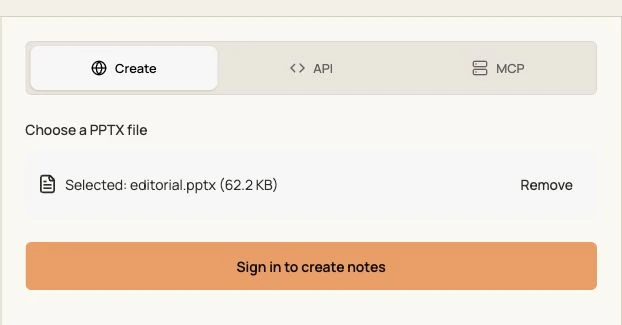
Actual interface in this language, captured locally on 14 October 2026 with an original English sample. Input state only; no generated result is shown.
Before copying the draft
Facts first
Verify names, numbers and charts. A rendered PDF cannot reveal animations, hidden slides, embedded audio or original presenter notes.
Your own voice
Replace stiff wording, add context you can support and remove invented claims. Time the talk yourself; there is no guaranteed speaking duration.
If the draft does not finish
Check that you are signed in, that the file is a real PPTX under the size limit, and that it opens in PowerPoint. If the service returns an error or the connection ends, do not use a partial draft as a completed result. Keep your source file and check the error before submitting again.
API and MCP availability
The API tab shows a request for this language and an illustrative streaming response. Use your account API key privately; never place it in public frontend code. MCP is not available for this tool yet.
Access and processing
Sign-in is required. This speaker-notes endpoint currently does not deduct PPT credits. Other generation and export tools have their own access and credit conditions.
Use authorized files. Generated text, filename and task history are saved; check the privacy policy before using confidential material.
Related guides
Create a new presentation · Analyze a reference style · Convert PowerPoint to PDF