
Analyze a PowerPoint’s design and reuse the brief
Upload a PPTX, check the design analysis against your slides, and adapt a style prompt for your next presentation.
Before you upload
The current analyzer accepts one modern PPTX file up to 50MB. It validates the ZIP-based PPTX format, so legacy binary PPT files are not supported.
The web analyzer requires a signed-in account. In the current implementation, the analysis endpoint does not deduct PPT generation credits. Check the interface for the current access policy before uploading.
1. Choose a reference presentation
Sign in and attach the reference PPTX using the upload control.
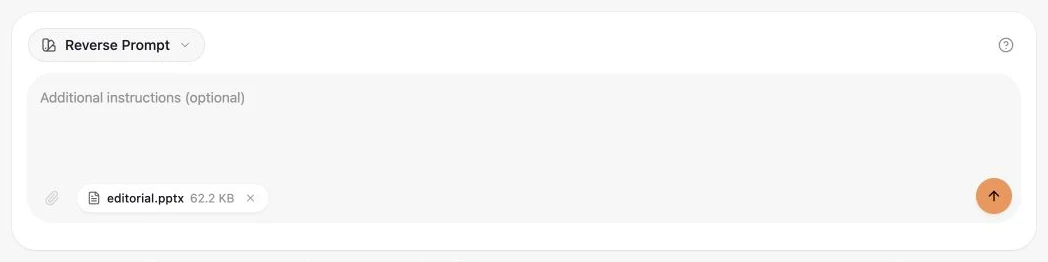
Actual English GenPPT interface, captured on 13 October 2026 with an original, non-confidential sample. Results vary by presentation.
View full screenshot
2. Start the analysis
Select the arrow button. GenPPT renders the slides to PDF and AI streams a design analysis.
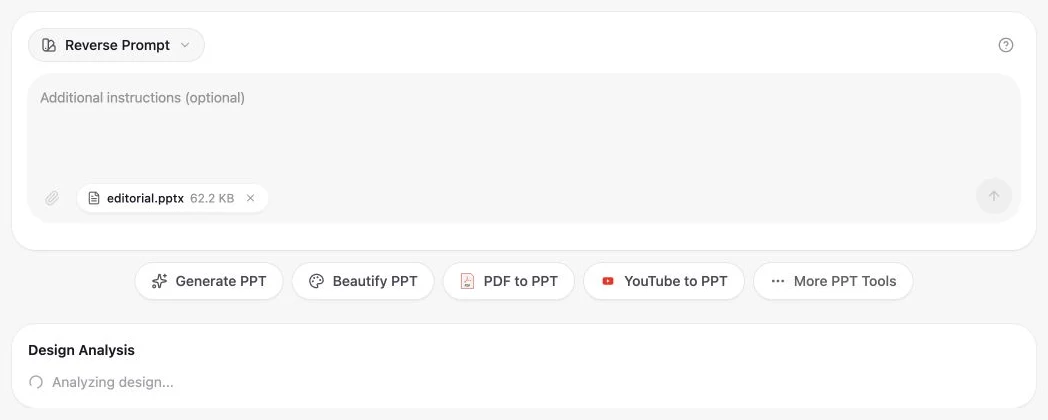
Actual English GenPPT interface, captured on 13 October 2026 with an original, non-confidential sample. Results vary by presentation.
View full screenshot
3. Review the brief before copying
Read the design brief, verify important details in your source file and use Copy to move it into your workflow.
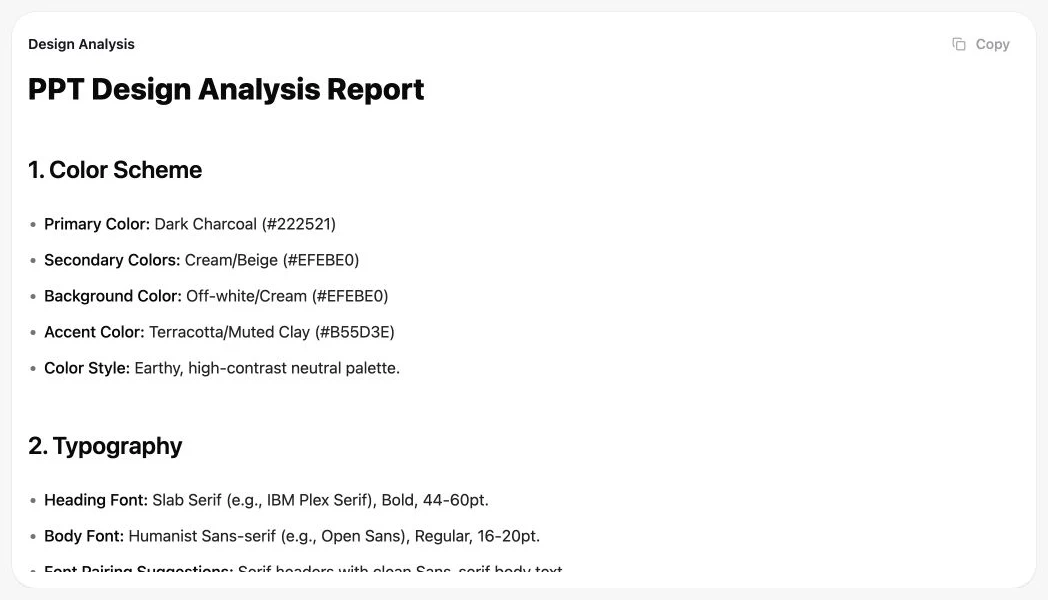
Actual English GenPPT interface, captured on 13 October 2026 with an original, non-confidential sample. Results vary by presentation.
View full screenshot
The output is an AI interpretation of slides rendered to PDF, not a deterministic inspection of the PowerPoint object model. Font names, hex colors, dimensions, animation, and hidden elements can be missed or inferred incorrectly; verify them in the source file.
A static PDF does not preserve animation, hidden content or the structure of editable objects. Check those properties in PowerPoint.
Compare with an original sample
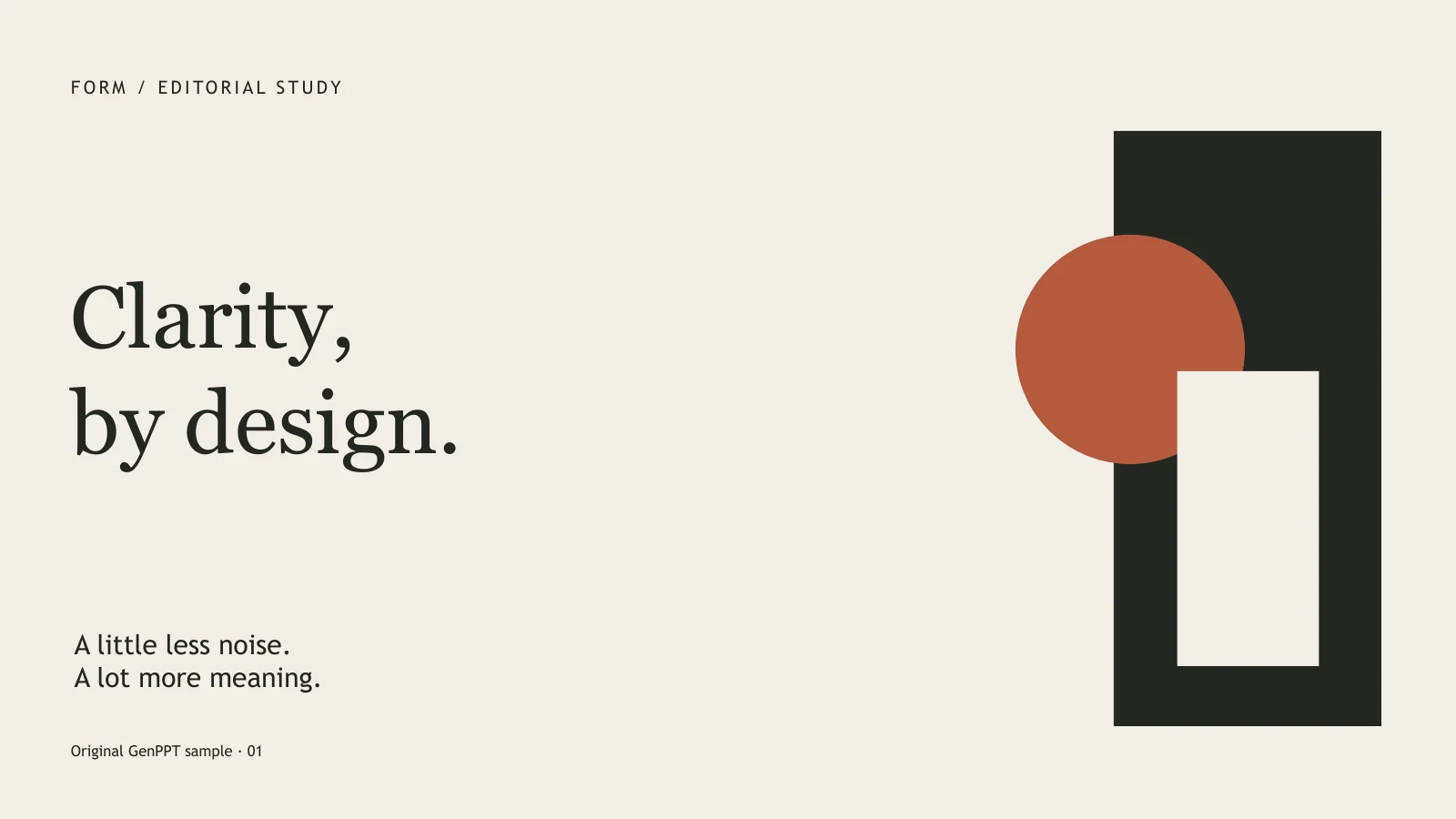
Original GenPPT samples. Briefs are edited for readability; swatches show source colors. AI estimates may differ. These are design analyses, not automatically recreated slides.
What to check in the source file
- Colors: compare the background, text and accent colors. Use source values when exact brand colors matter.
- Typography: check the actual heading and body fonts in PowerPoint. An AI font name is a suggestion until you verify it.
- Layout: compare alignment, margins and text density on more than one slide. A title slide alone does not define the whole deck.
Keep the visual direction you need, then add your own audience, objective and confirmed facts. Test a short new presentation and review its slides before applying the brief more widely. Copying a prompt does not start a generation or download a new PPTX.
If the analysis fails
Check that the file opens in PowerPoint, is a modern PPTX and is within 50 MB. Check your sign-in state and the visible error before retrying. If the output is incomplete or in the wrong language, do not treat it as an approved brief.
How your file is processed
The uploaded PPTX is sent to the GenPPT sandbox for PDF conversion and the rendered PDF is sent to Gemini for analysis. The application stores a history record containing the file name, generated prompt, model, locale, timing, and status. Do not upload confidential material unless this processing is authorized for your organization.